Features Q4 2025 🔥
Invoice Processing: Match More Than Received
What’s new? From now on, you can match more than you have received in Easy1. This feature gives you extra flexibility when processing invoices, especially in situations where the invoice does not exactly match the receipt.
Why is this useful? It happens in practice: you order 100 units, receive 100 units, but the supplier invoices 110 units. Previously, you couldn’t process the invoice, but with this new option, you can choose to process it anyway, knowing that a correction will follow. This prevents delays in invoice processing and gives you better control over exceptions.
How does it work? With the right settings, you can:
- Match more than received on open receipts.
- Match more than received on all lines with receipts, even if they are fully matched.
- Perform a correction match on lines where extra matching was previously done.
When you use this option, an entry is created in the ERP with the extra quantity. This results in a posting on “Credit invoices to be received” with a negative value (e.g., -10 units).
Important to know:
- The invoice still needs to be approved.
- This functionality only works if your ERP system supports this process, such as Isah.
- The functionality is already live, but you need to activate it in the settings.
Our help article explains how to enable this feature.
Improvements Q4 2025 🛠️
Sharing Invoices
Earlier this year, we launched the new “Share Invoices” feature. Over the past weeks, we’ve made several improvements:
- Invoices can now be shared with all users who have rights in the relevant administration, not just non-finance users.
- Your own shared documents are now also visible under Shared Documents.
- Soon, you’ll be able to filter and archive shared documents.
- The list of users you can share with is now sorted alphabetically.
Correcting VAT Differences
We’ve improved VAT difference corrections. VAT differences are no longer applied to lines with a VAT rate of 0%.
Additional Fields on Invoice Header
- Payment Reference
- Shipping Document
- Previous Invoice
Read IBAN Number Now Used on Invoice Header
A supplier can have multiple IBAN numbers in Easy1. Previously, the default supplier IBAN was chosen. From now on, the IBAN number that is read or extracted from XML and exists in the supplier data will be used and filled on the invoice header.
Coming Soon ⏰
Invoices Dashboard
- You can now select multiple administrations for better visibility of the entire invoice flow.
- Filters are preserved.
- Additional date filter options added: Added This Year.
Filters on Budget Holder Approval Tasks
- Ability to sort.
- Ability to filter.
Extra Options to Adjust Certain Fields with Default Value Functionality
- Invoice Type
- Order Number
- Contract Number
- Payment Reference
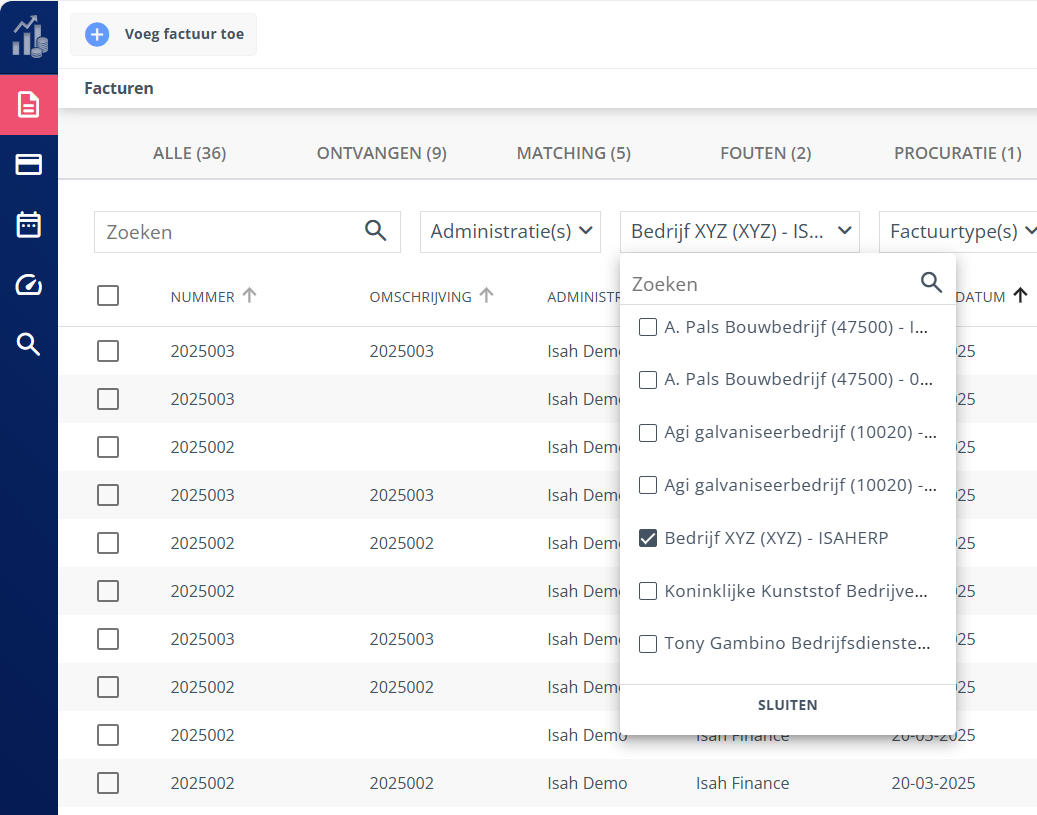
Relationships or Invoice Types in Lists and Filters
In some lists and filters, relationships or invoice types could appear twice. We now filter these out so you only see each relationship once. Filters continue to work the same way. 👇